
To create and enable a Ping Identity SAML application for FlourishDx, see:
Creating a Ping Identity SAML Application for FlourishDx
Enabling SAML Single Sign On with with Ping Identity for FlourishDx
Once your application is enabled, there are several ways for users to login:
1. Share a FlourishDx Landing page
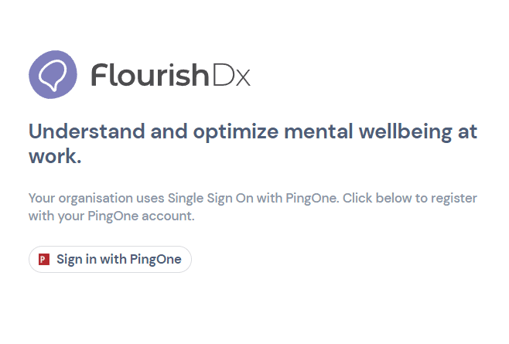
Create a FlourishDx landing page and share the link. Users will be prompted to login with PingOne
2. Share your application Initiate Single Sign-On URL
Directly share your application's Initiate Single Sign-On URL. Users will be directed to sign in with PingOne, and after successful login redirected into FlourishDx.
To find your Single Sign-On URL see
Enabling SAML Single Sign On with with Ping Identity for FlourishDx
3. Logging into the FlourishDx Login page
For users who have already been provisioned an account, entering their email at
https://flourishdx.com/login will automatically direct users to login with PingOne.