
Login to your FlourishDx account. Using the menu to the left of screen, navigate to Peer Support.
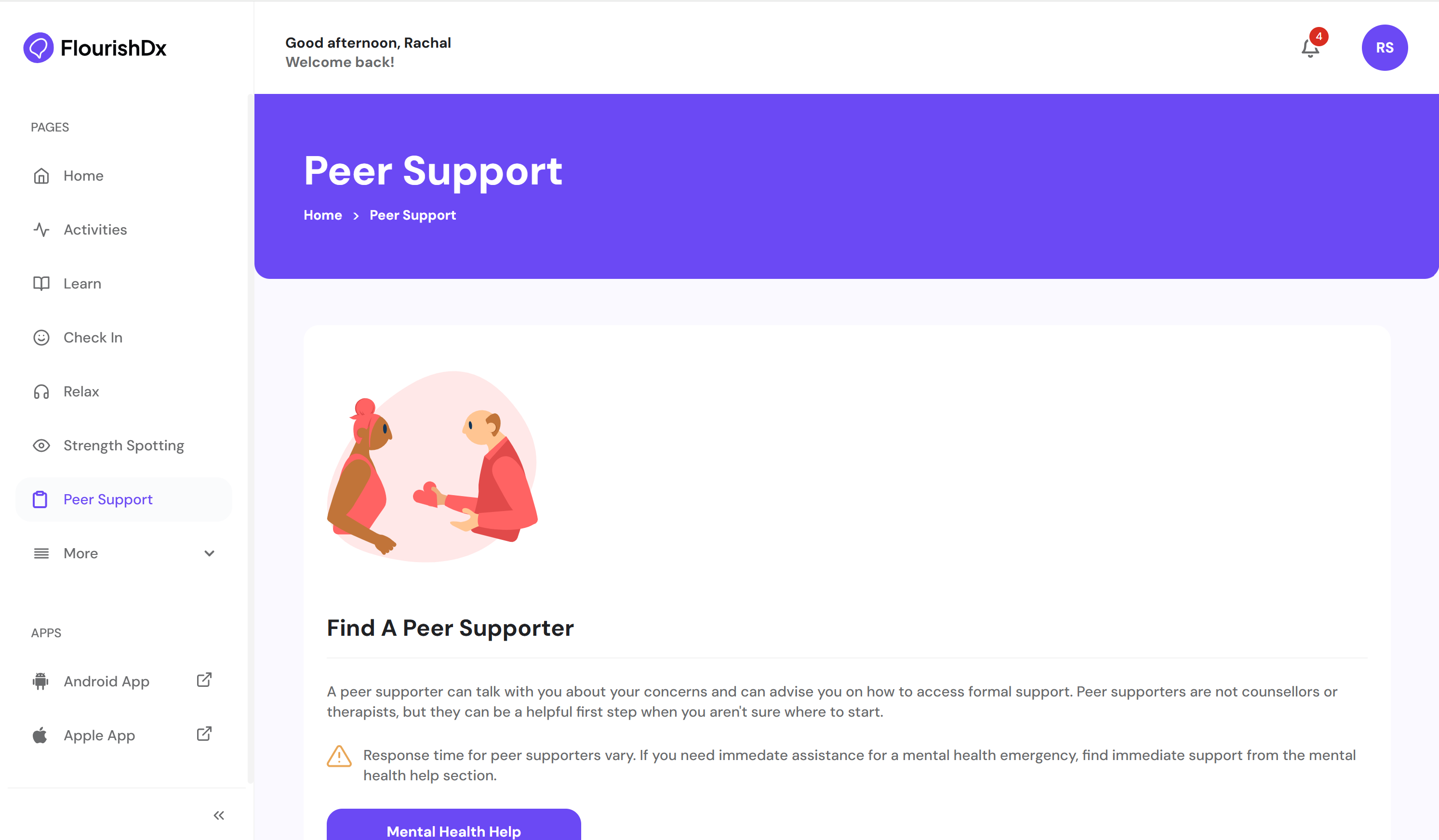
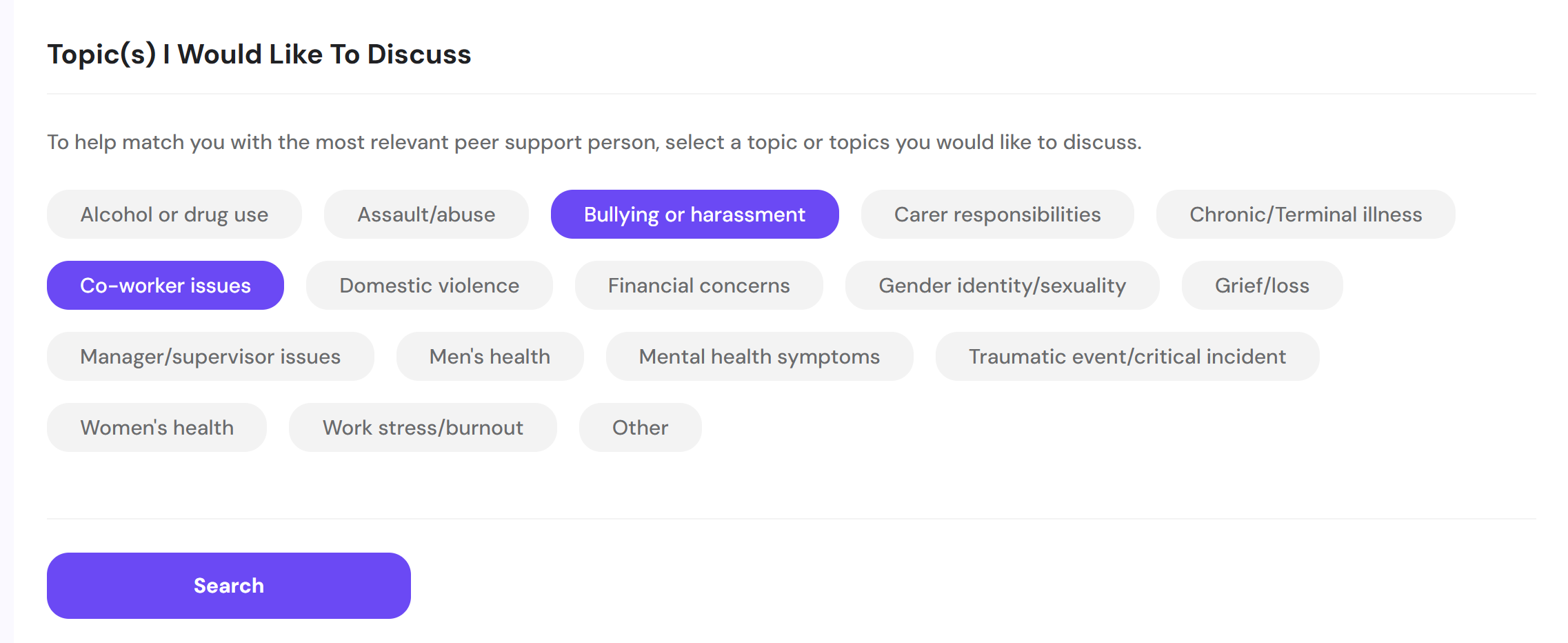
Review the information about the role of a peer supporter and access the Mental Health Help section if necessary. Otherwise, choose the topic/s you want to discuss with a peer supporter, then Search.
A list of available peer supporters will display. Click on the icons to view contact information.
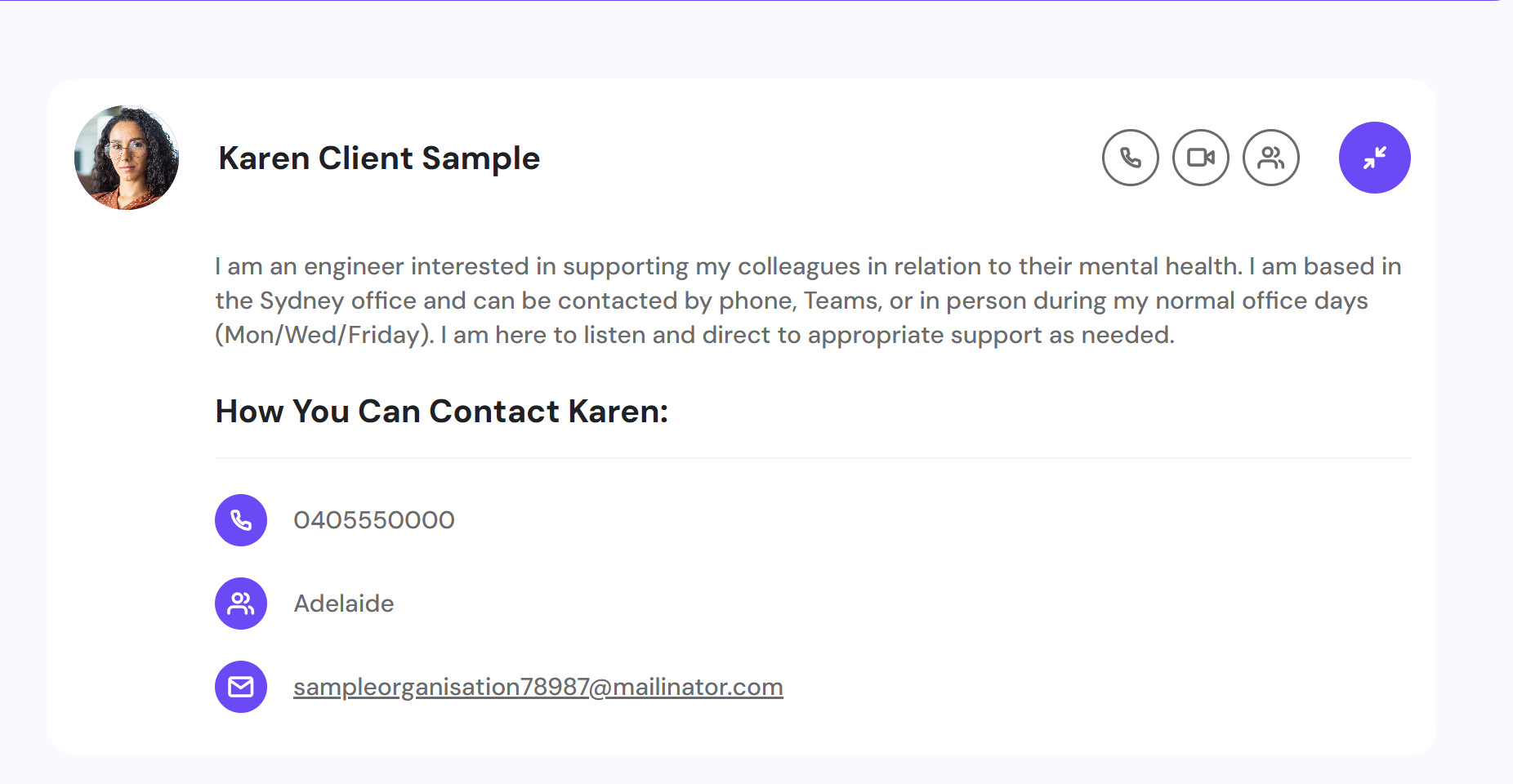
Contact the peer supporter using the contact information available.