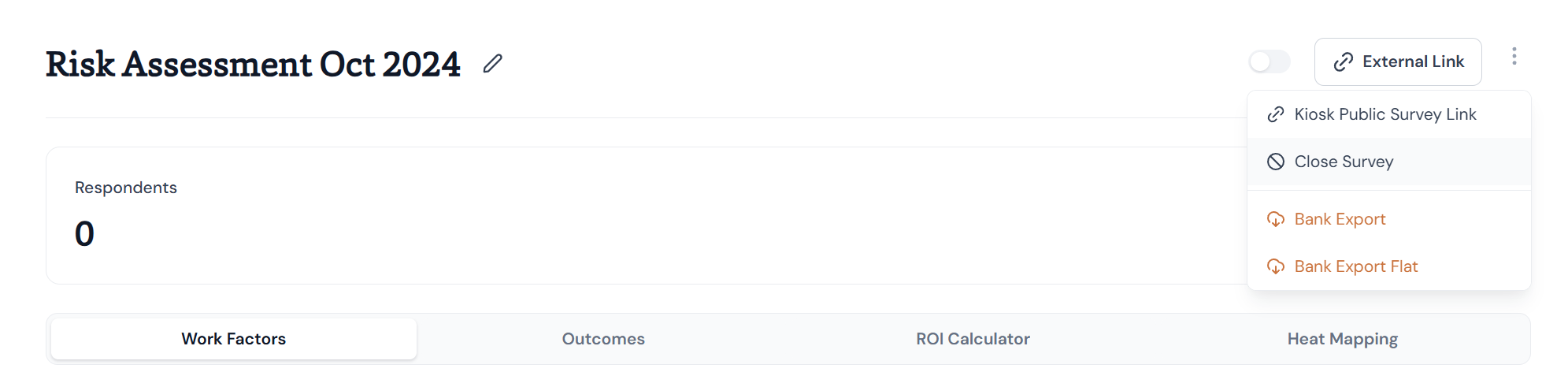
Closing your work factors risk assessment means you will no longer be able to add users to the survey, and users who have not yet responded will be unable to do so.
Closing Work Factors Risk Assessment
Login to your FlourishDx Admin dashboard.
Navigate to Surveys > Risk Assessment.
Click on your risk assessment from the list.
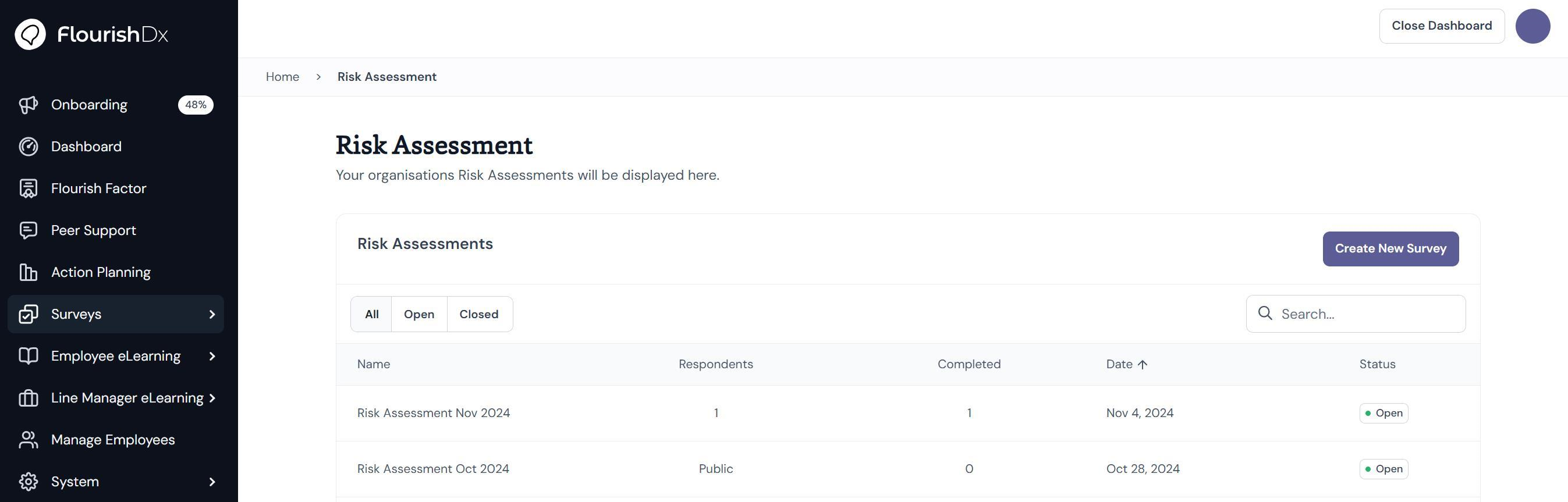
This will open the risk assessment survey results.
Click on Close Survey top right of the page.
Click Confirm. This will close the survey.