- Log in to your PingIdentity console
- Navigate to Applications > Applications
- Click the + icon to create a new application
- Create a SAML application called FlourishDx:
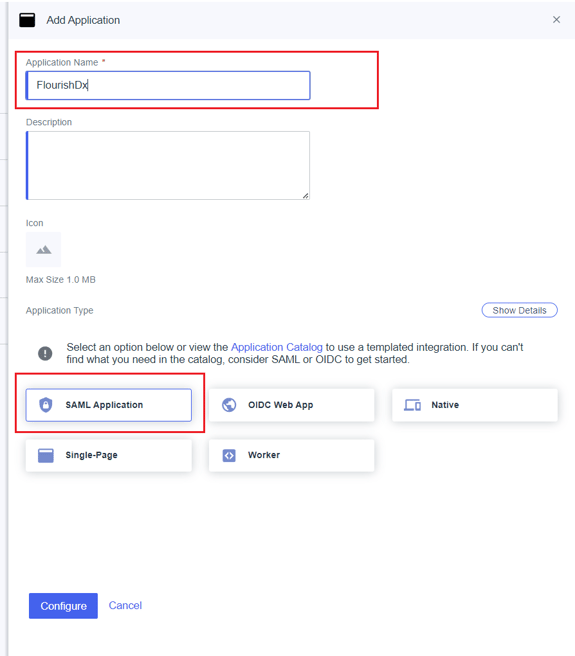
- Click Configure
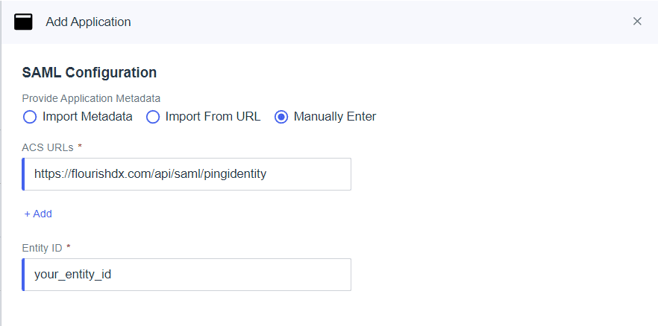
- For Provide Application Metadata select Manually Enter
- For ACS URLs enter https://api.flourishdx.com/api/saml/pingidentity
- For Entity ID enter a unique string for this application
- Click Save
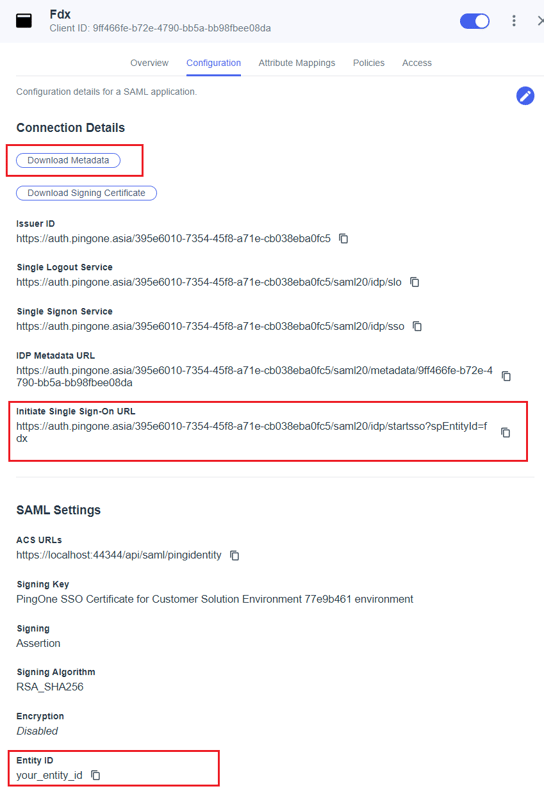
To enable Ping Identity SSO on your FlourishDx account, you will need these values from your SAML application (in the Configuration tab):
- Initiate Single Sign-On URL
- Entity ID (the one you entered earlier)
- Download Metadata (xml file)